Airtime without the extra steps
Choose a saved or new number, confirm the network, and pay from your wallet or by card. Send it now or pick the exact delivery time.
My Bills brings airtime, electricity, bulk sending, and scheduled payments into one clear place for your family, team, business, or community.
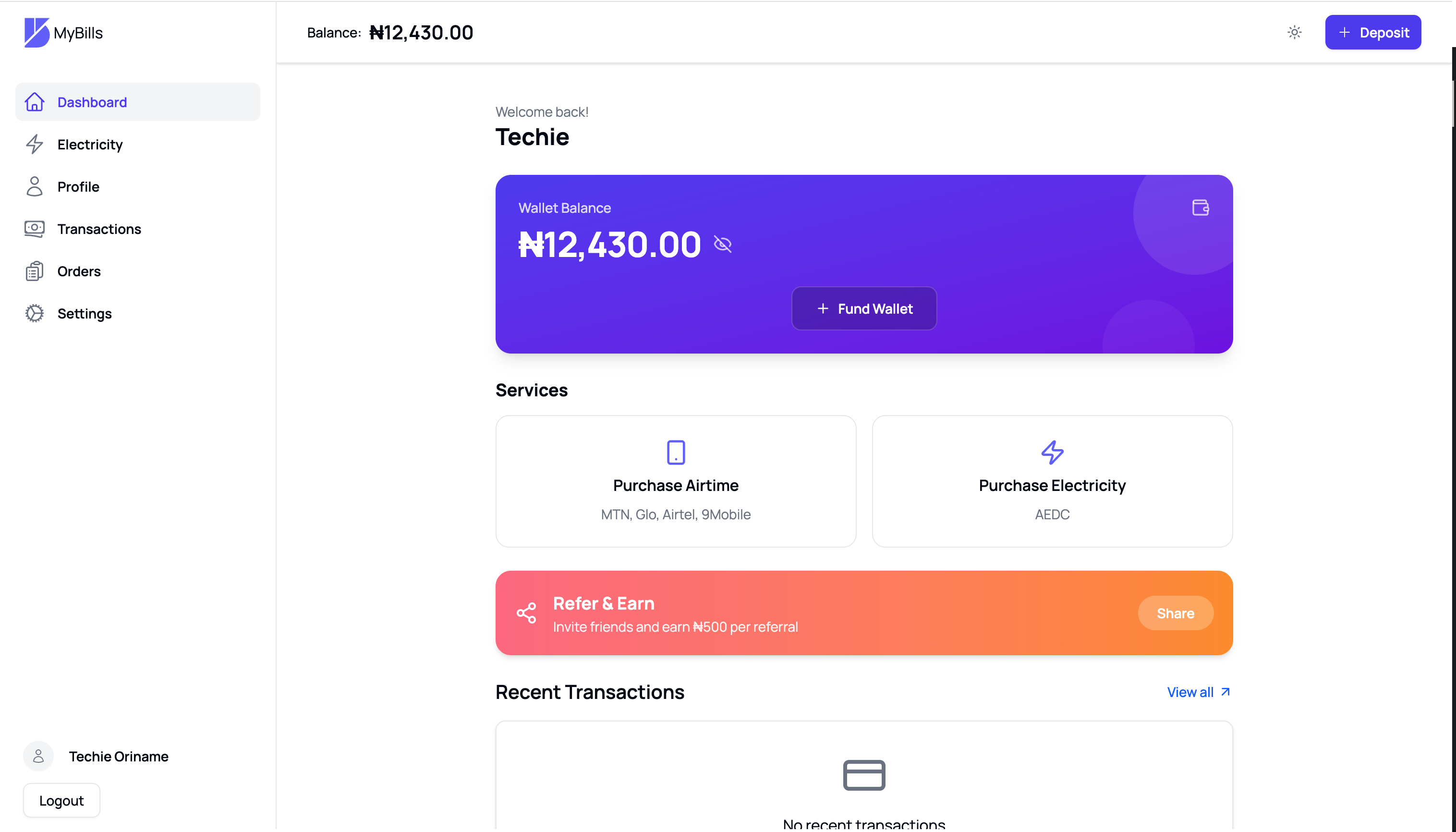
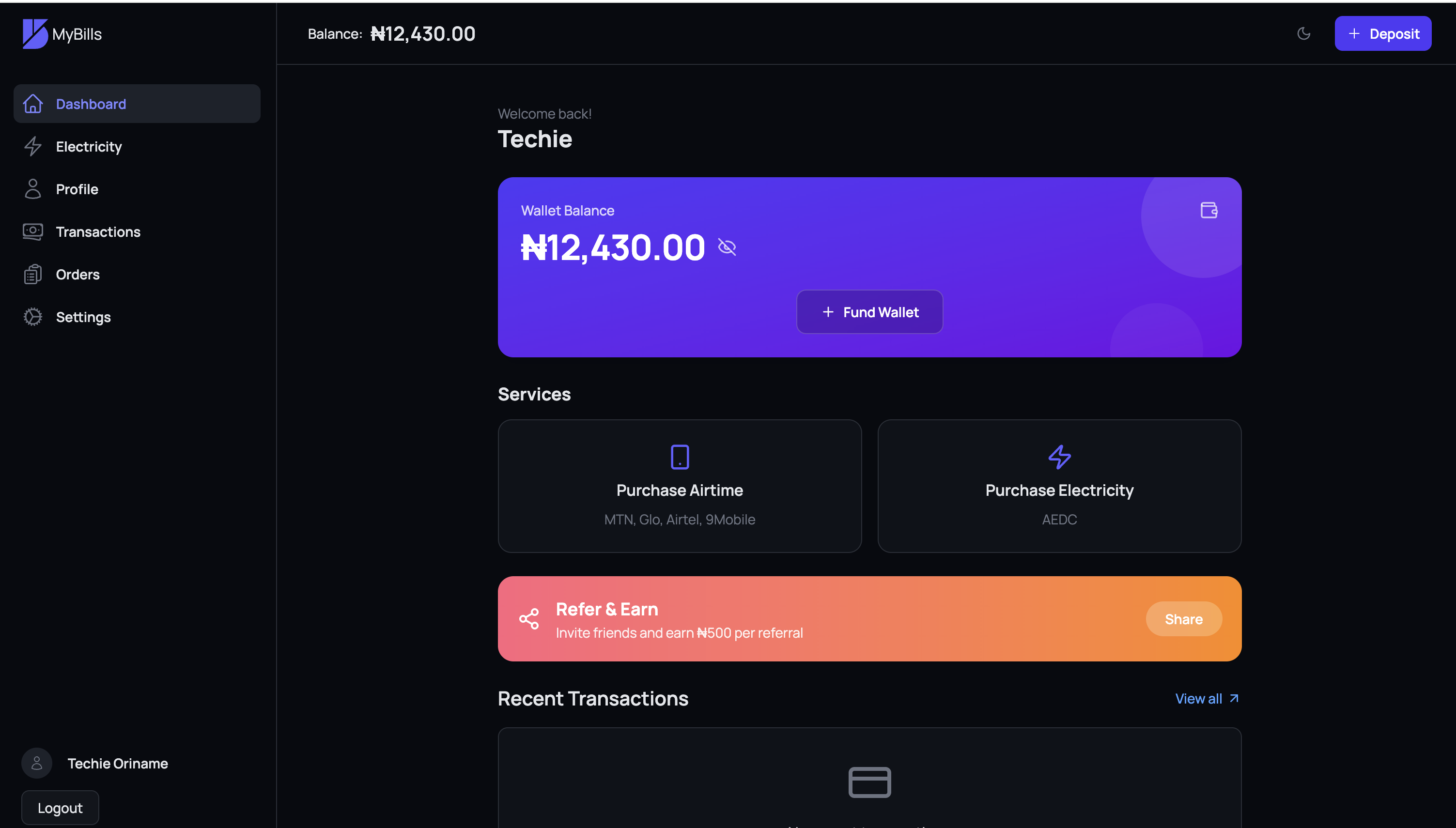
More than a quick top-up
Move from a single purchase to a full payment routine without losing the details, recipients, or control you need.
Choose a saved or new number, confirm the network, and pay from your wallet or by card. Send it now or pick the exact delivery time.
Build a recipient list one number at a time or paste several at once. Set a default amount, adjust individual recipients, remove duplicates, and review the total before sending.
Open a batch for others to join through a shareable link. Set the number of available slots, see claims as they arrive, and close the link whenever you are ready.
Verify a meter, pay for prepaid or postpaid electricity, and keep the resulting order details and prepaid token close at hand.
Plan airtime or electricity once, daily, weekly, or monthly. Pause, resume, or cancel recurring schedules and review every run from one place.
Follow order and payment status, copy references, buy a past item again, or turn an earlier airtime or electricity payment into a schedule.
Bulk airtime
Create the batch your way, inspect every recipient and amount, then send only when the total looks right.
Payment schedules
Pick a precise delivery time, automate the payments that repeat, and keep the ability to pause or stop them.
How it works
Each flow is broken into reviewable steps, so you can move quickly without guessing what will happen next.
Create your account, fund your wallet securely by card, and save the people or meters you pay most often.
Buy airtime, pay electricity, start a bulk batch, or return to a saved beneficiary for a faster checkout.
Complete an immediate payment, schedule one delivery, or create a recurring routine that matches your needs.
Track orders and transactions, review delivery status, manage schedules, and repeat a previous payment when needed.
Useful at every scale
Save loved ones and household meters, schedule recurring support, and keep every payment easy to find.
Send airtime to staff or customers in one reviewed batch, with flexible amounts and visible delivery progress.
Publish a limited claim link, let people submit their own numbers, and close the batch when every slot is filled.
Start with one airtime or electricity payment, then save, schedule, repeat, or scale it into a batch whenever you need to.